Every risky event, reviewed in one inbox.
Events arrive ranked by severity, with the clip. Review them, coach the driver, and watch each score move week by week.
No driver appWorks alongside your ELD
One queue for every event
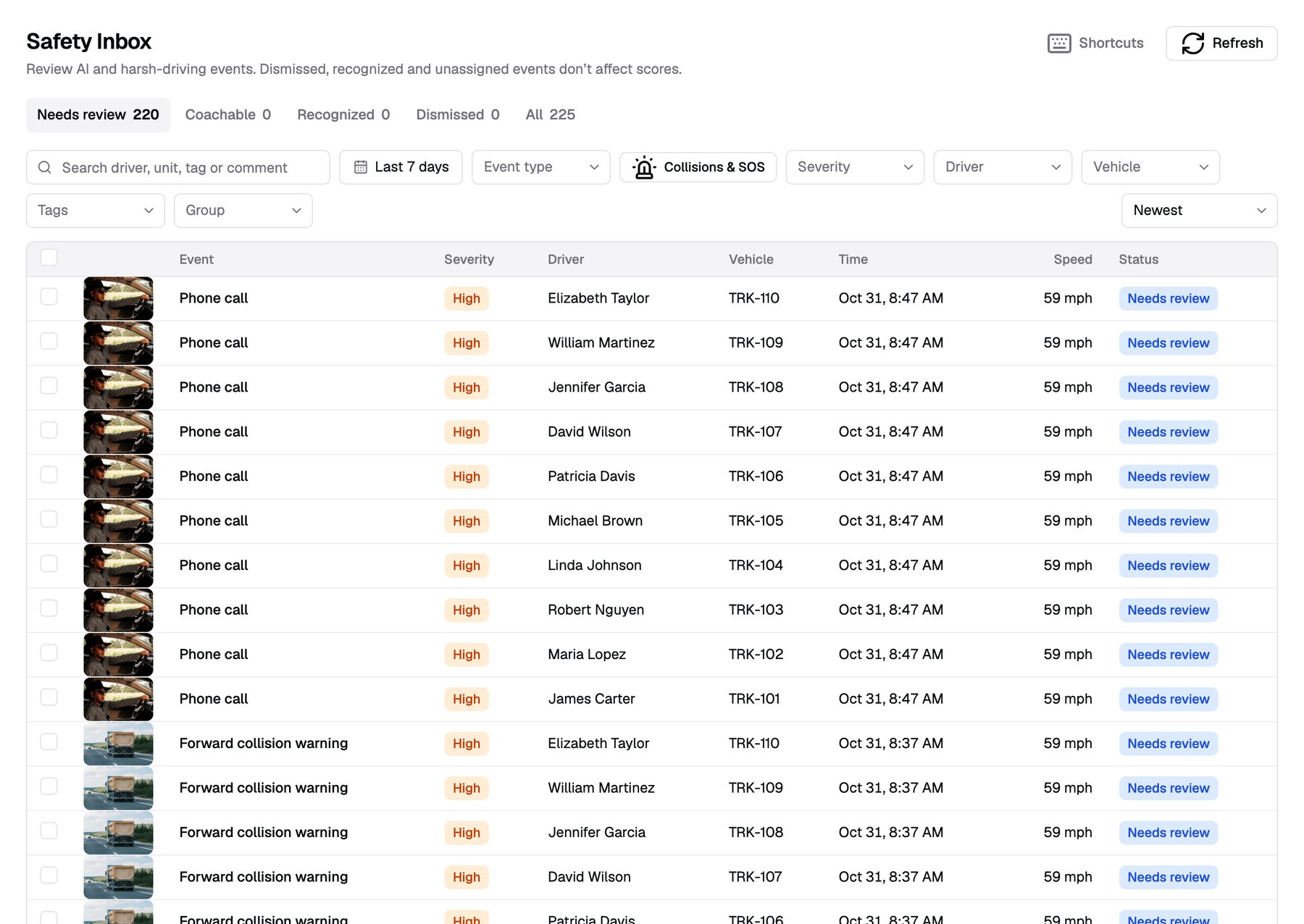
Every event the cameras raise waits in the Safety Inbox until someone reviews it. Unreviewed events come first.
- Filter fast. By severity, type, driver, truck and date.
- Collisions and SOS first. One click shows the events that can't wait.
- Bulk review. Select many events and review them at once.
- Tags and comments. Add a tag, or @mention a colleague on an event.
Everything you need to decide
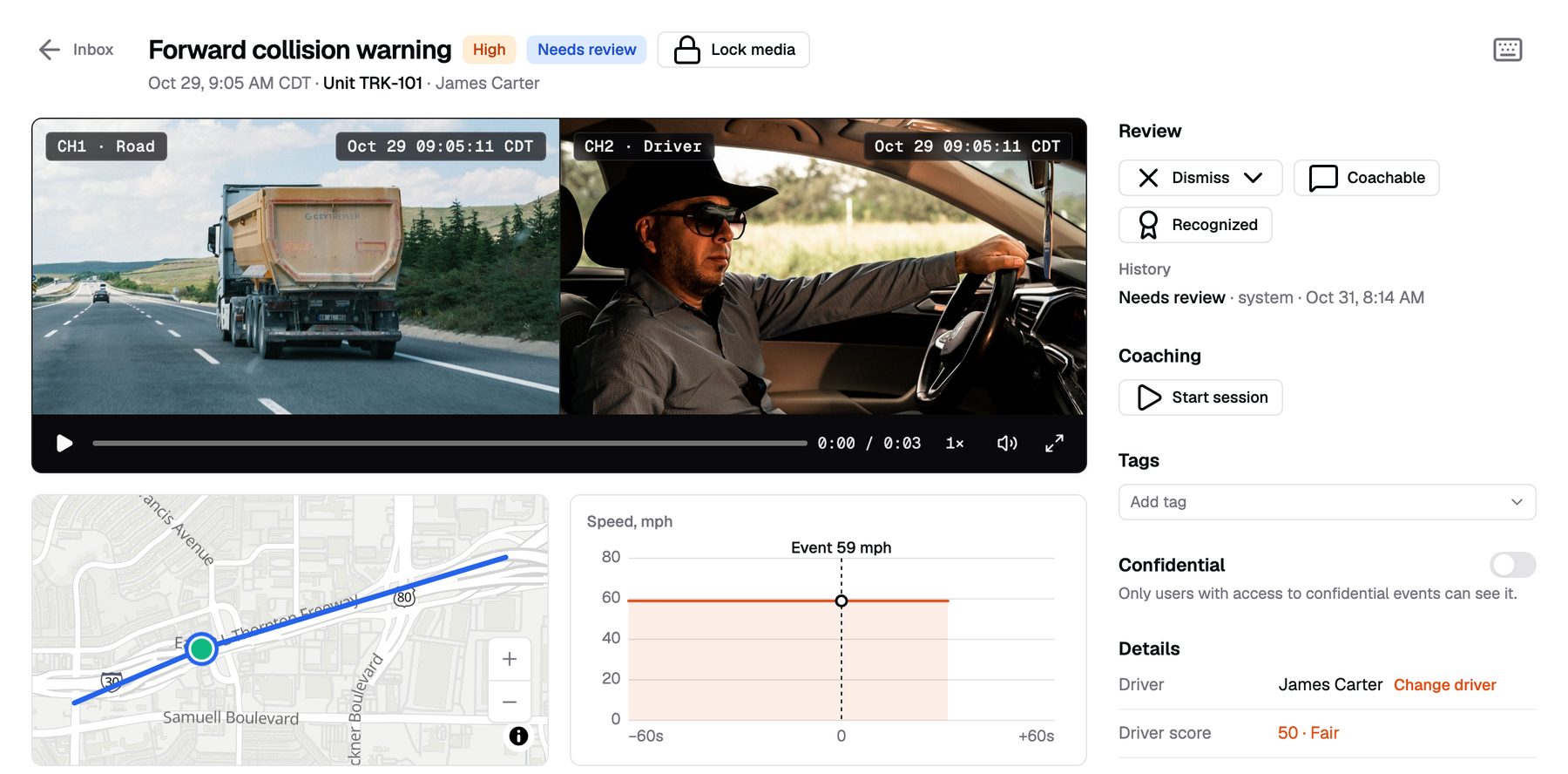
Open an event and see what happened. Road and cab video, the map point and the speed sit side by side.
- Road and cab video. Both cameras for the same moment.
- Map and speed. The truck's track and speed around the event.
- One decision. Mark it coachable, recognized or dismissed, with a note.
- Full history. See who reviewed it and when.
Know what to look at first
Each event type has a severity: critical, high, medium or low. Duplicates within two minutes collapse into one event.
Critical
Collision and SOS.
High
Forward collision warning, pedestrian warning, phone use and smoking.
Medium
Close following, distraction, fatigue, yawning, eyes closed, head down and harsh braking.
Low
Lane departure, harsh acceleration, harsh turns, drinking and no driver.
Turn events into a conversation
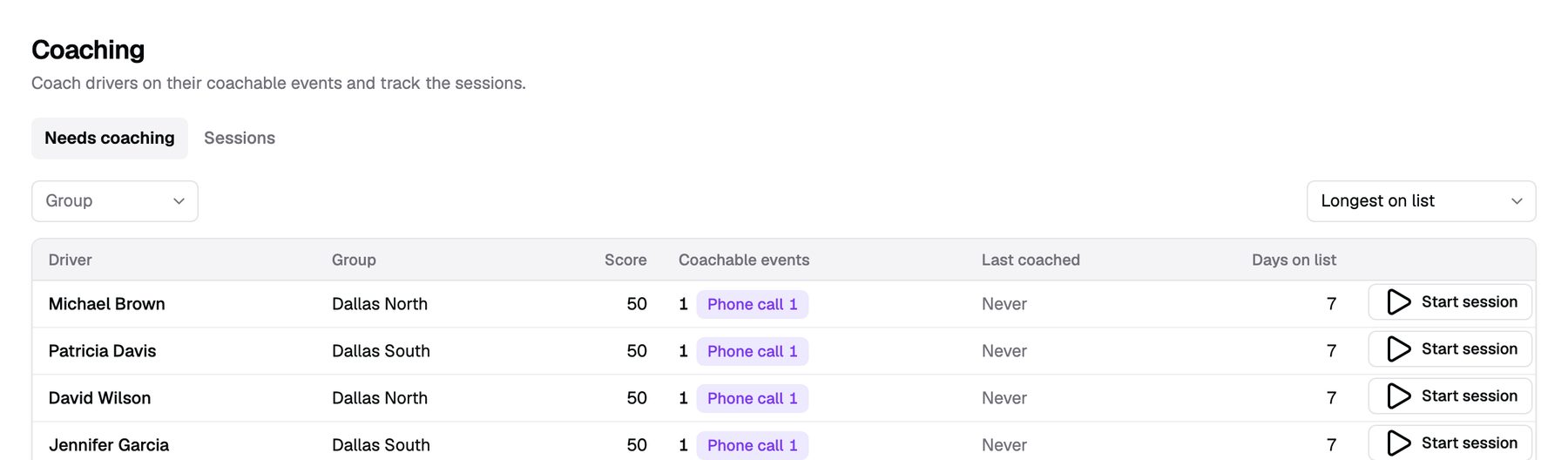
Coachable events collect per driver. Start a coaching session and go through them with the driver.
- Sessions from real events. Pick the events, and the clips come with them.
- A coach and a due date. Every session has an owner and a deadline.
- Overdue tracking. See which sessions slipped.
A score from 50 to 100
Every Monday, each driver gets a new score from 50 to 100. It weighs events by risk and by miles driven.
- Fair across routes. Events per 1,000 miles, so long-haul and local drivers compare.
- Weighted by risk. Phone use and close following cost the most.
- Reviews count. Dismissed and recognized events leave the score.
- Riskiest drivers first. See where each driver lost points.
The right alert to the right person
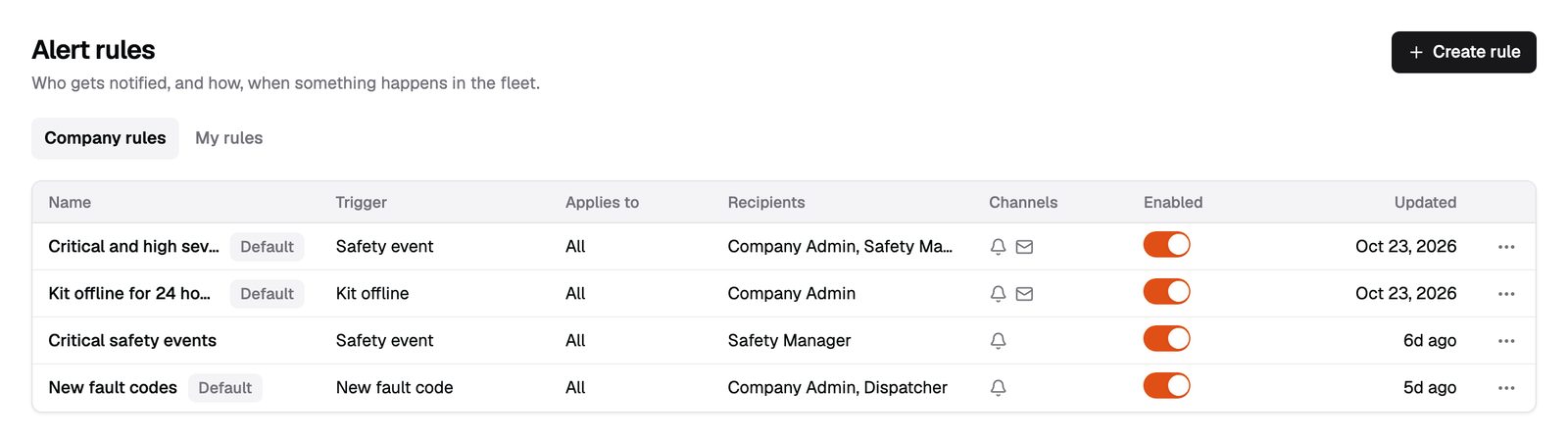
Alert rules read like a sentence. When this happens to these trucks at these hours, tell these roles.
- Your triggers. Safety events, geofences, idling, speeding, fault codes and kits offline for 24 hours.
- Your scope. By group, truck or driver, with active hours.
- No flood. One alert per event, with a cooldown.
- Email and in-app. Alerts arrive by email and in the dashboard.
What driver safety doesn't do
- No driver app. Drivers don't see their scores in an app. Coaching happens with your safety manager.
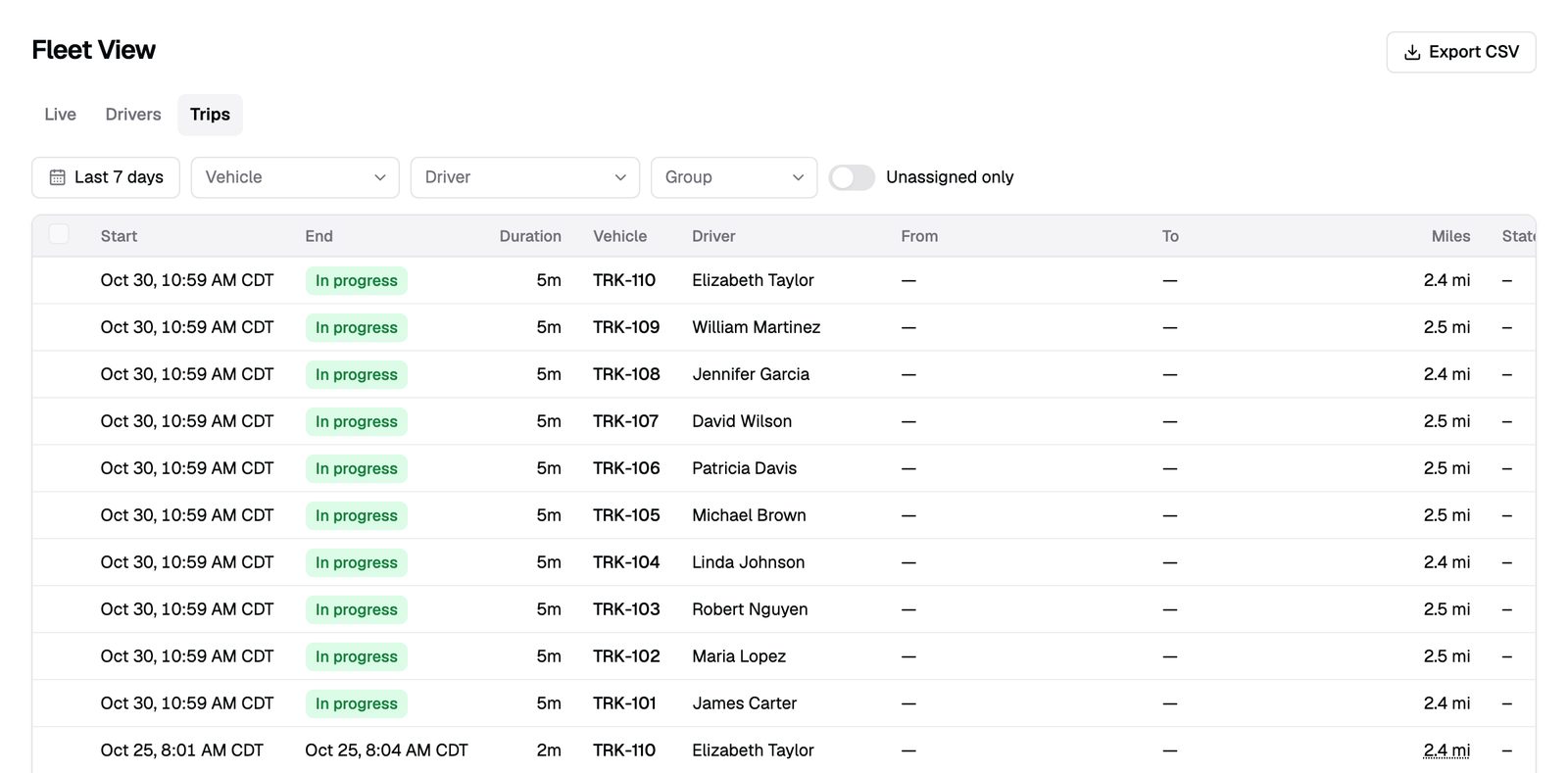
- Scores need miles and a driver. Unassigned trips don't count toward any driver's score.
- Video share links and crash packets for your insurercoming soon
From quote to live in three steps
Get pricing
Tell us your fleet size. We send pricing and book your install.
We install
Our technician installs the kit and checks every camera before leaving.
You're live
Events start reaching your Safety Inbox the same day.
Billing starts the day a kit passes its install check.
Who gets alerts?
The roles and people your rules name. Critical and high safety events alert by default.
Can a dispatcher see cab video?
Only if you allow it. By default, dispatchers see the road video and the event.
How is the score calculated?
Every Monday, from the last four weeks of events per 1,000 miles. Riskier events weigh more.
Can a dispatcher review events?
By default, dispatchers can view events. Admins and safety managers review them.
Ready to see your fleet?
Tell us about your trucks and we will put pricing in writing.
or call (855) 555-0142