See the road and the cab, right now.
Open any of the three cameras live from your browser. For anything that already happened, pull a clip from the camera's SD card.
Nothing to installOpens in your browser
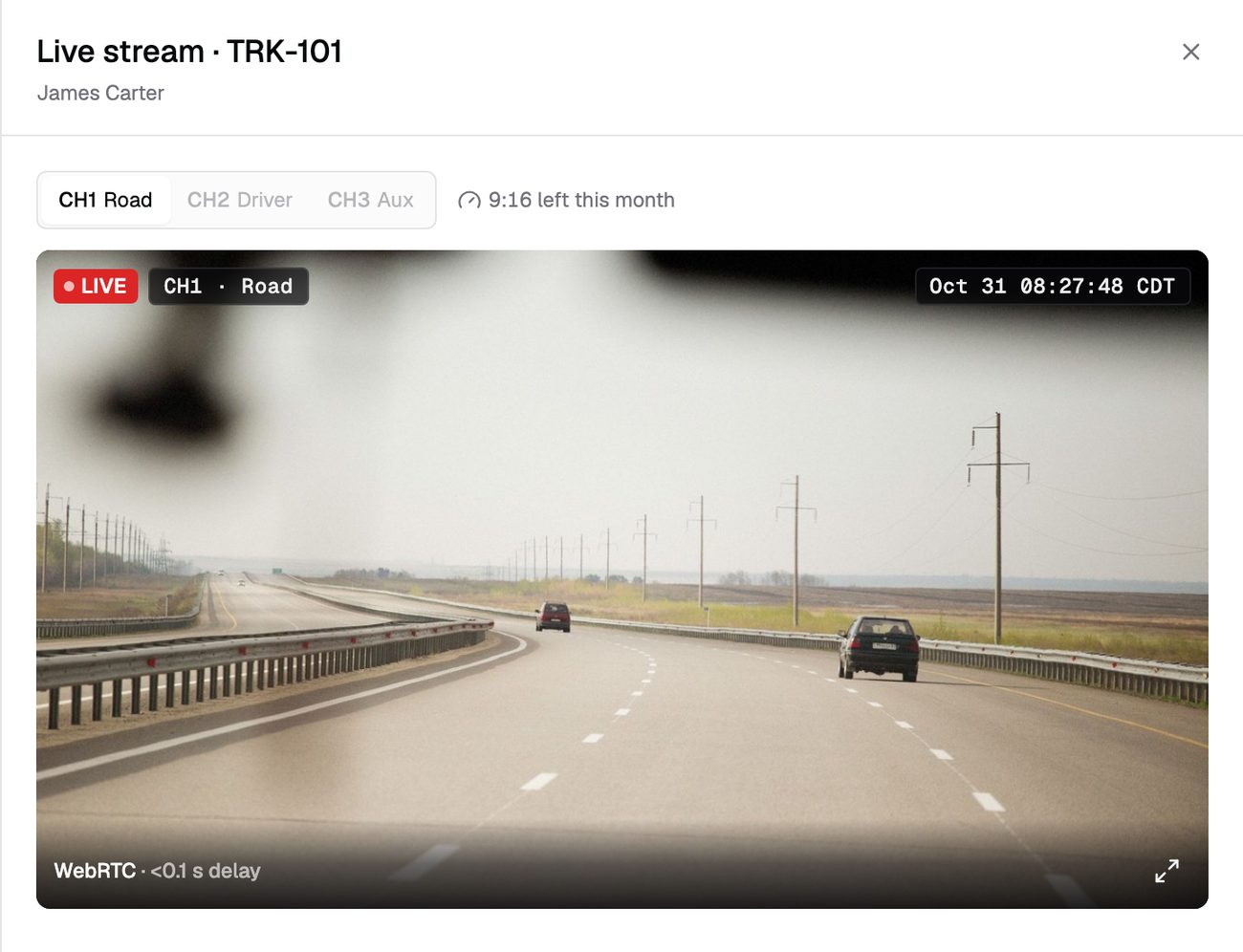
Three cameras, one click away
Open a truck and start the stream. It plays in your browser, with no plugin or app.
- Road, driver or auxiliary. Switch cameras without leaving the player.
- Watch together. A colleague can join the same stream.
- Cab video by permission. Only roles you allow can open the driver-facing camera.
You always know how much is left
Each plan includes live minutes per camera per month. The player shows what's left while you watch.
- Counted while you watch. Minutes stop when you close the player.
- A nudge to save minutes. If nobody answers "Still watching?", the stream stops.
- A clear stop. When the month's minutes are used, the stream ends and tells you why.
Pull the footage you need
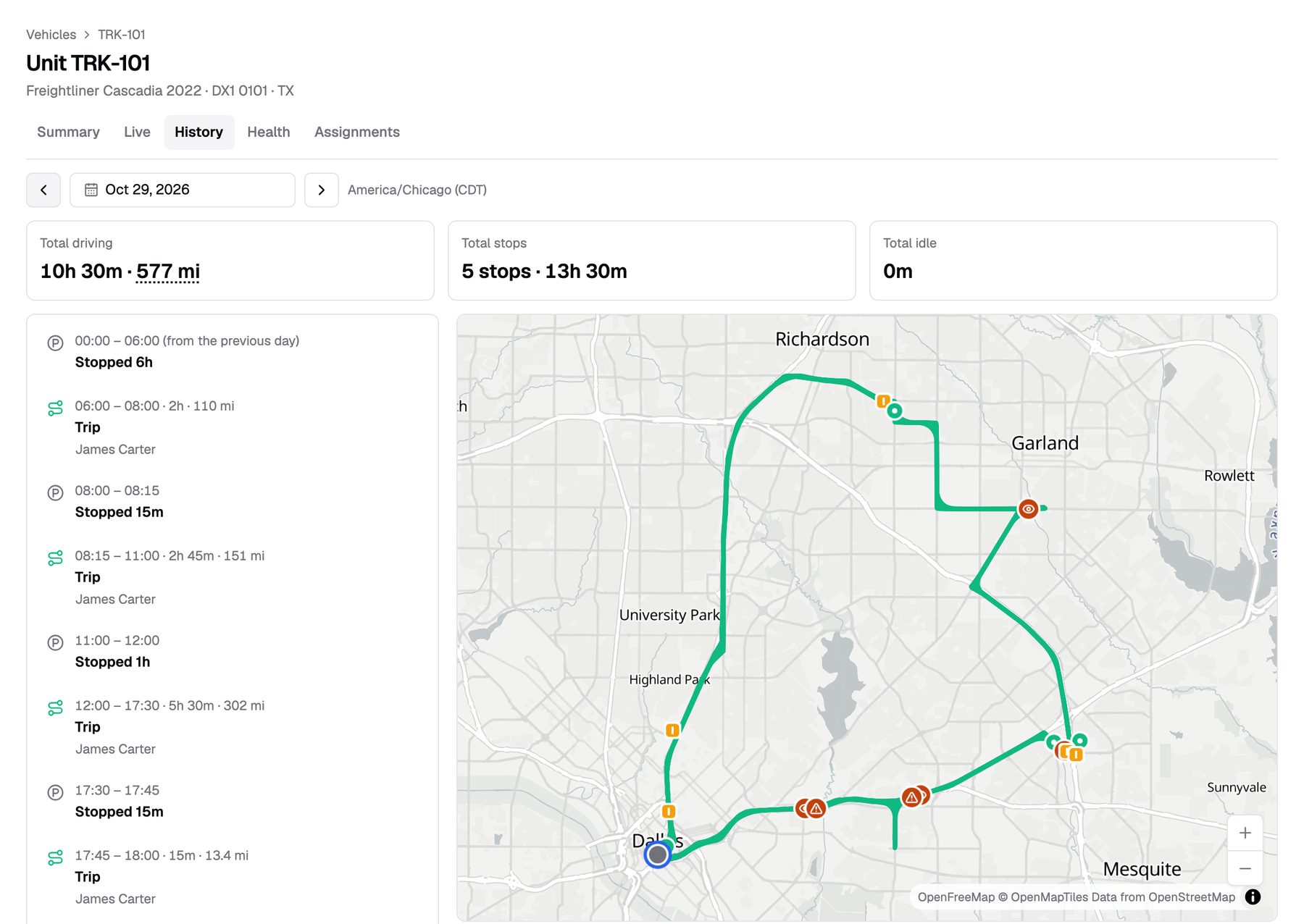
Pick the truck, the camera and the time. The camera uploads that stretch from its SD card, and you're notified when it's ready.
- See what's on the card first. A timeline shows which hours the camera recorded.
- Play it from the card. Watch a stretch in your browser before you request it.
- Download and keep. Download the clip, or lock it to keep it past retention.
Some clips come to you
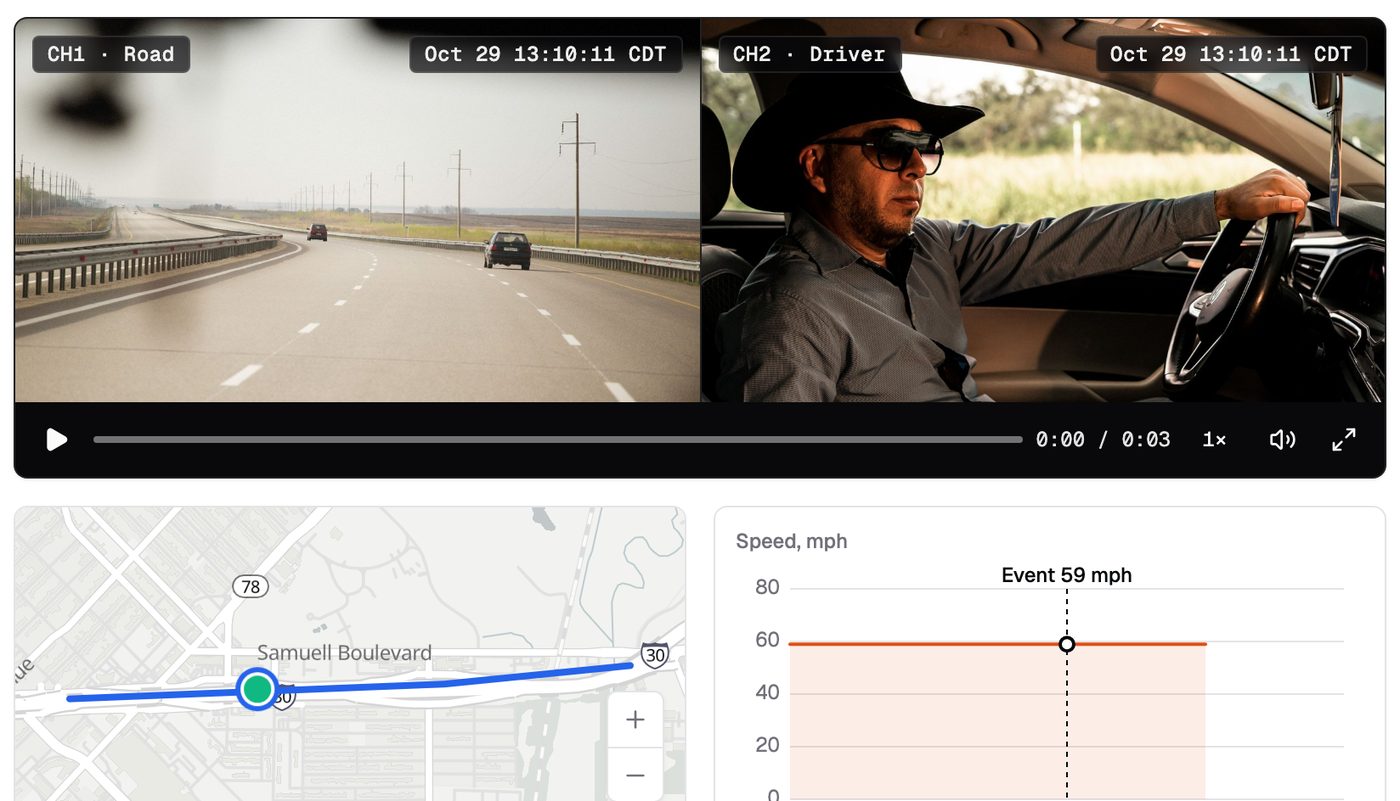
When the camera flags a safety event, the clip is attached for you. For a quick look right now, take a snapshot.
- Event clips. Attached to every safety event in your Safety Inbox.
- Photo or short clip. Take a snapshot from any camera without using live minutes.
- Your retention. Saved video is kept for the period set by your plan.
What live video doesn't do
- Live view isn't recorded. To keep footage, request a clip from the SD card.
- Clips need the truck online. The camera uploads once it has signal and the ignition is on.
- The SD card overwrites old video. Request older footage soon.
- Two-way cab audiocoming soon
From quote to live in three steps
Get pricing
Tell us your fleet size. We send pricing and book your install.
We install
Our technician installs the kit and takes a test picture from all three cameras.
You're live
Open any camera from your dashboard the same day.
Billing starts the day a kit passes its install check.
Is live video recorded?
No. Live view isn't saved anywhere. Request a clip from the SD card to keep footage.
How many live minutes do I get?
Live minutes are set by your plan, per camera, per month. Get pricing to see the options.
How long does a clip take?
Once the truck is online, the camera uploads the clip and you get a notification.
Can I watch when the truck is parked?
Not while the ignition is off. The camera sleeps until the truck starts again.
Ready to see your fleet?
Tell us about your trucks and we will put pricing in writing.
or call (855) 555-0142