One dashboard for dispatchers, safety and compliance.
Roles for each team, groups by terminal, and alerts that reach the right person. Not everyone.
Installed across your terminalsWorks alongside your ELDNothing for drivers to install
Each team sees what its job needs
Give every person a role. The sidebar shows only the pages that role allows.
Company admin
Users, groups, kits and settings.
Dispatcher
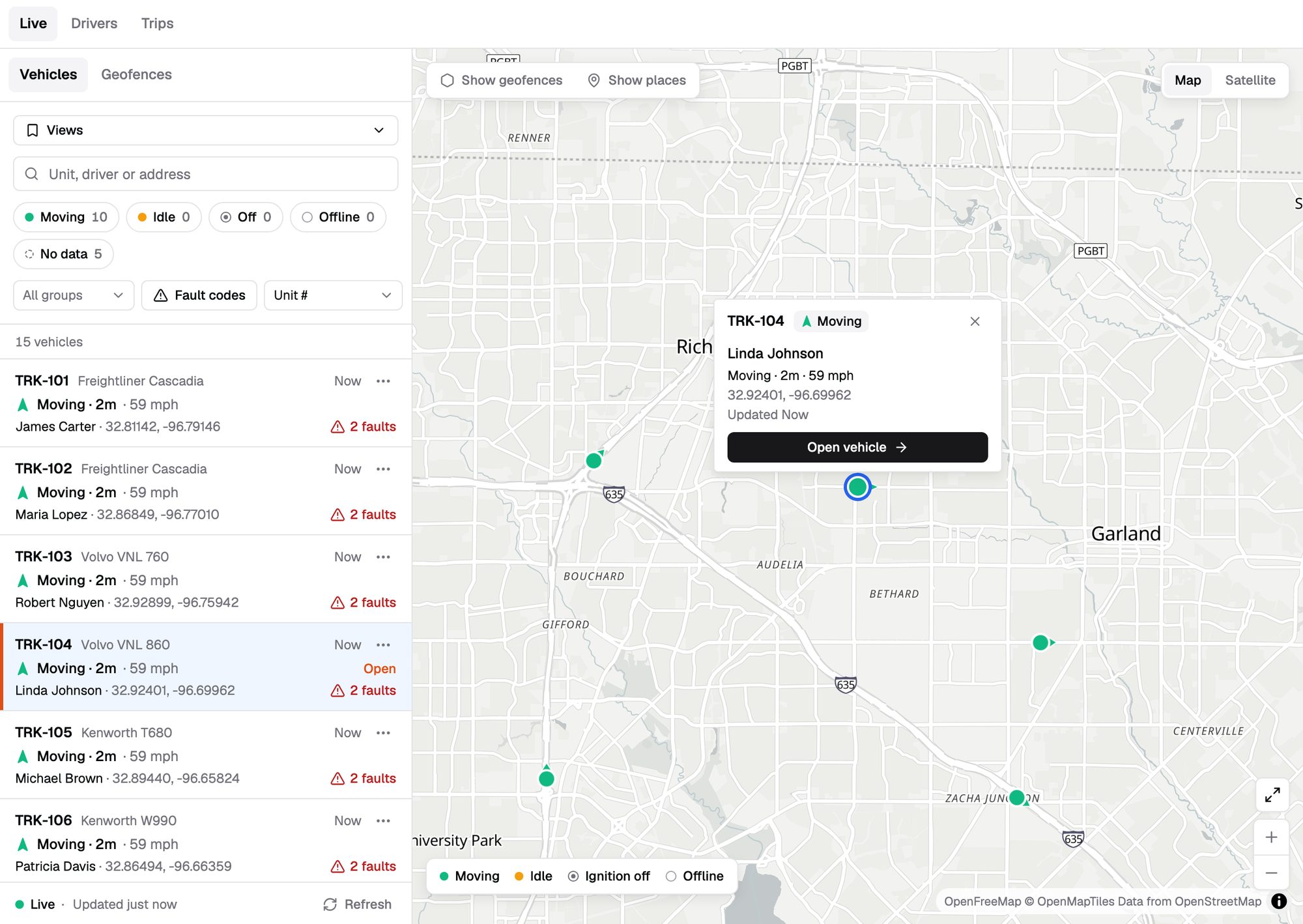
Live map, trucks, drivers and assignments.
Safety manager
Safety Inbox, event review, coaching and driver scores.
Compliance manager
IFTA, fuel purchases and reports.
Custom roles
Build your own, like a view-only dispatcher.
Keep each terminal in its own lane
Put trucks, drivers and people into groups. A terminal manager sees their trucks, not the whole fleet.
- Scoped data. Maps, events and reports follow the user's groups.
- Fleet-wide view. Company admins still see every terminal.
Hundreds of events. One inbox.
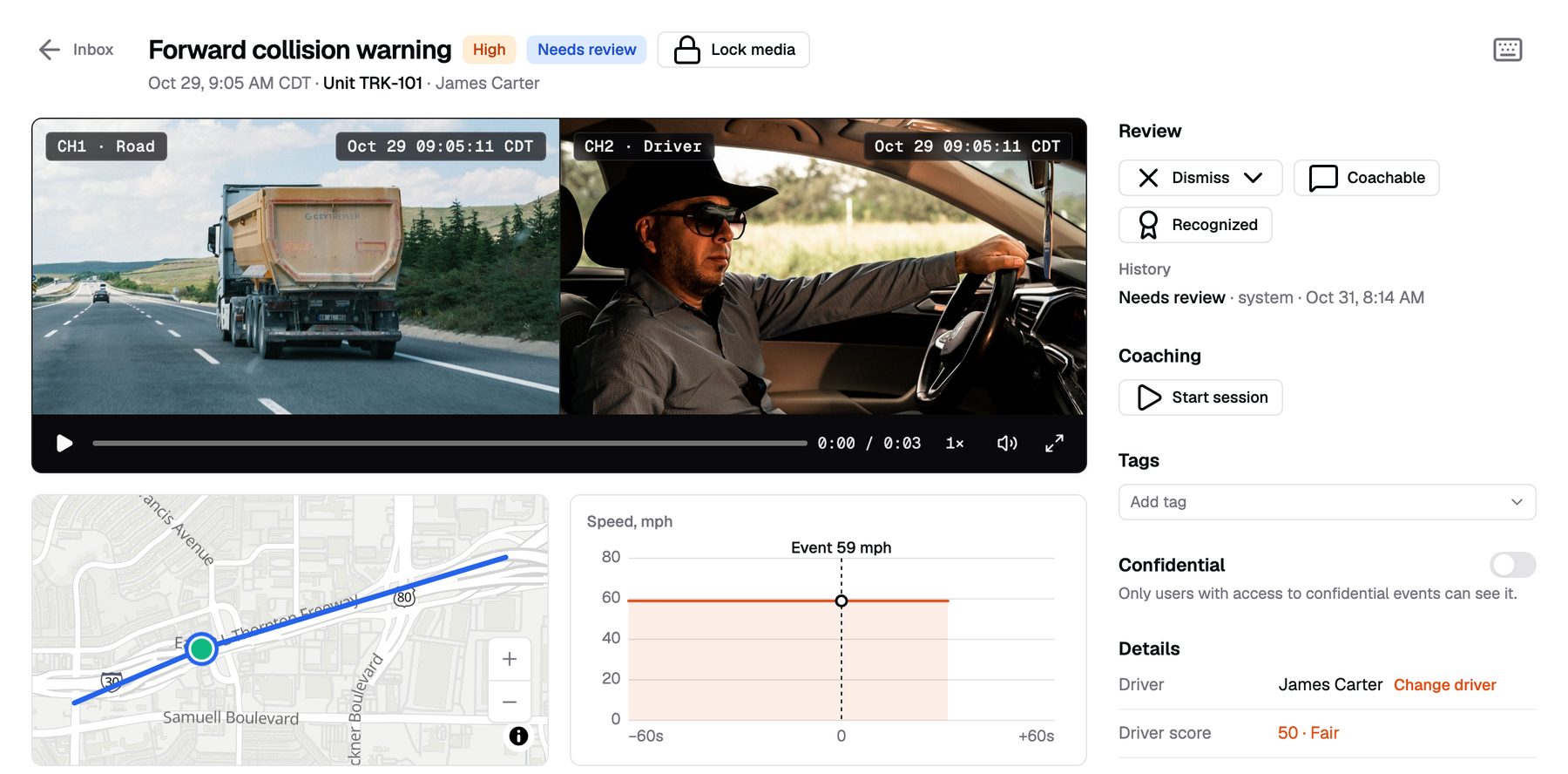
Events arrive ranked by severity, with the clip attached. Duplicates within two minutes collapse into one.
- Bulk review. Mark events reviewed, tag them, and comment with @mentions.
- Coaching sessions. Pick events, assign a coach and a due date, and track what's overdue.
- Weekly driver scores. 50–100, built from ten behaviors.
The right alert to the right person
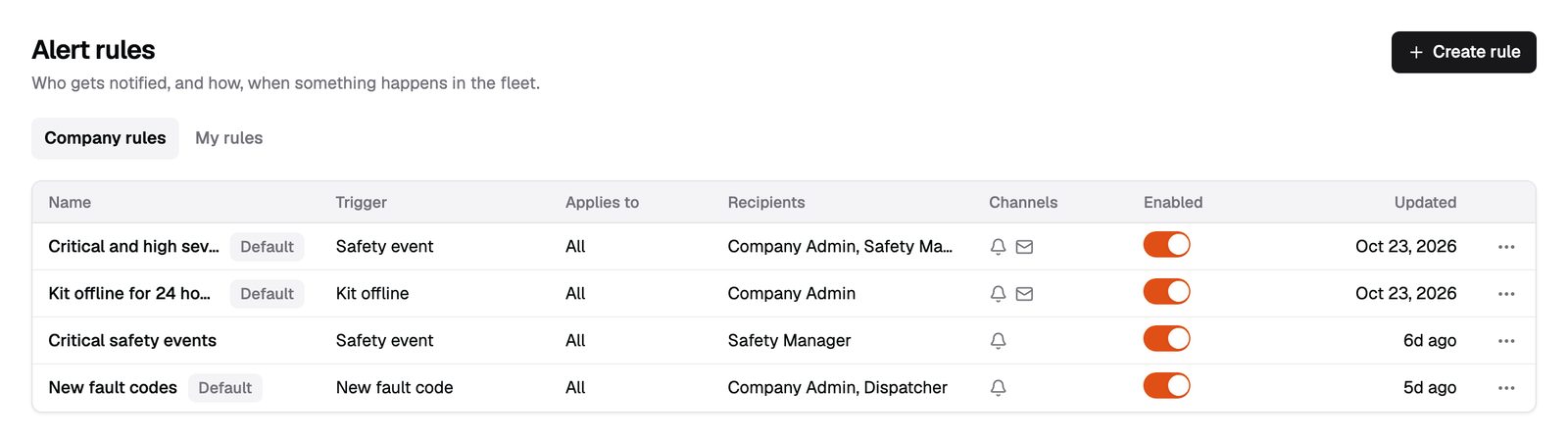
Build alert rules for a group, a truck or a driver. Each rule has its own recipients.
- Rule types. Safety event, geofence, idle, speeding, fault code and kit offline.
- Active hours and cooldown. Quiet outside shifts, one alert per event.
- Email and in-app. Alerts arrive by email and in the dashboard.
We install at every terminal
Our technicians install the kits at your locations.
Checked before we leave
Online, GPS fix, three camera snapshots and engine data.
Live truck by truck
Each truck is live the day its check passes.
Billing per kit
It starts when that kit passes its check, not when the order ships.
Reports that arrive on their own
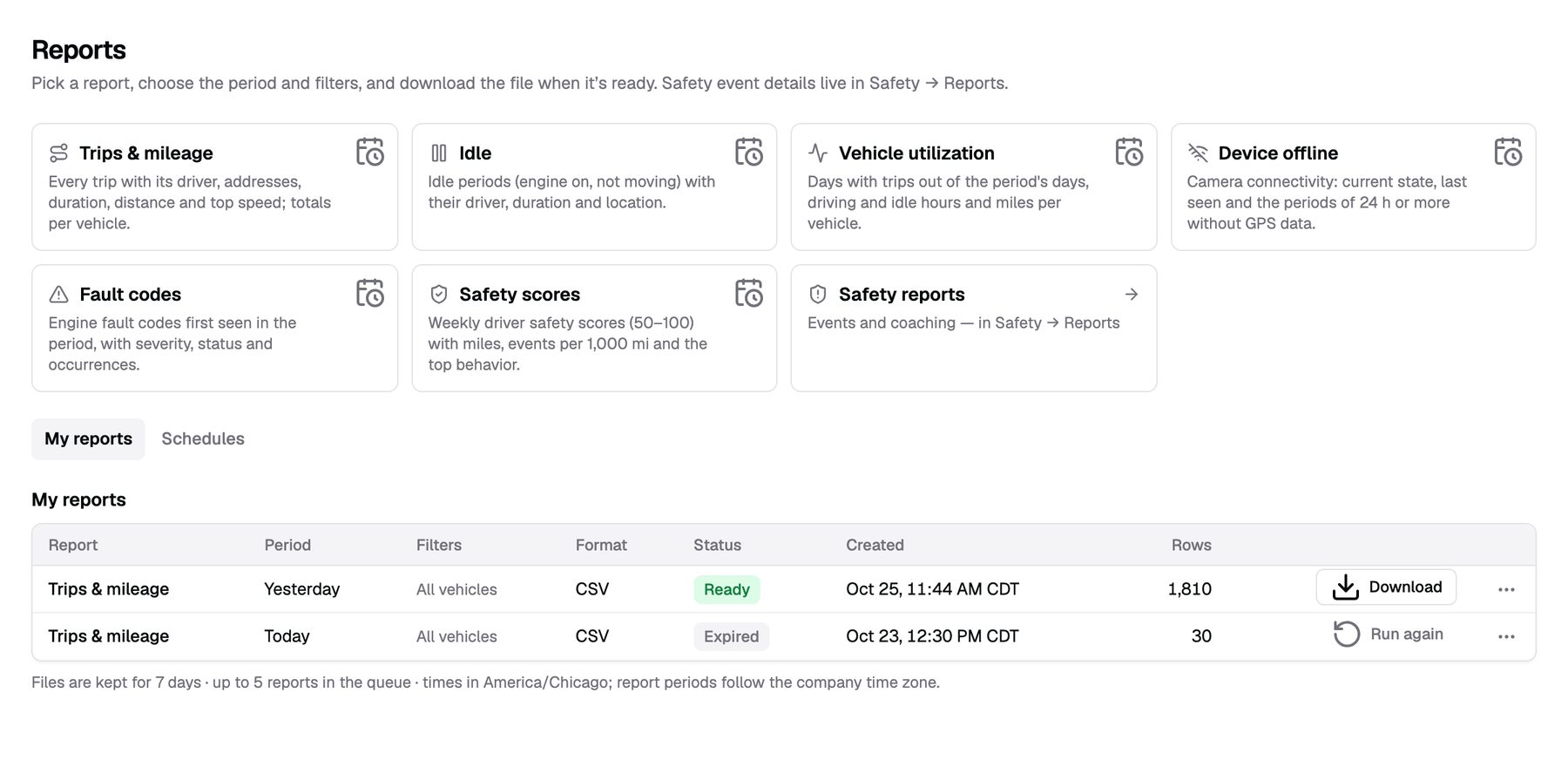
Schedule reports daily, weekly or monthly. Export them as CSV or PDF.
- Fleet reports. Trips and mileage, idle, utilization, device offline, fault codes and safety scores.
- IFTA. Quarterly miles by state, fuel purchases by CSV import, then generate, lock and export.
Can terminals be kept separate?
Yes. Put each terminal in its own group. People in that group see only its trucks, drivers and events.
Do you integrate with our TMS?
Not yet. Tell us which TMS you use.
Do our drivers need logins?
No. Drivers don't sign in. Dispatchers assign drivers to trucks in the web app.
Every terminal. One dashboard.
Tell us about your fleet and we will put pricing in writing.
or call (855) 555-0142