Real people who can see your kit
Call or email our support team. They see your kit's diagnostics while you're on the line.
Have the unit number ready. If it's about video, note the date and time.
We see what your kit sees
Support looks at your kit's diagnostics while you talk.
- Online status. Whether the kit is online, offline or asleep with the ignition off, and when it last reported.
- Last GPS fix. Where and when the kit last had a location.
- Camera snapshots. A fresh image from each camera, to check aim and lens.
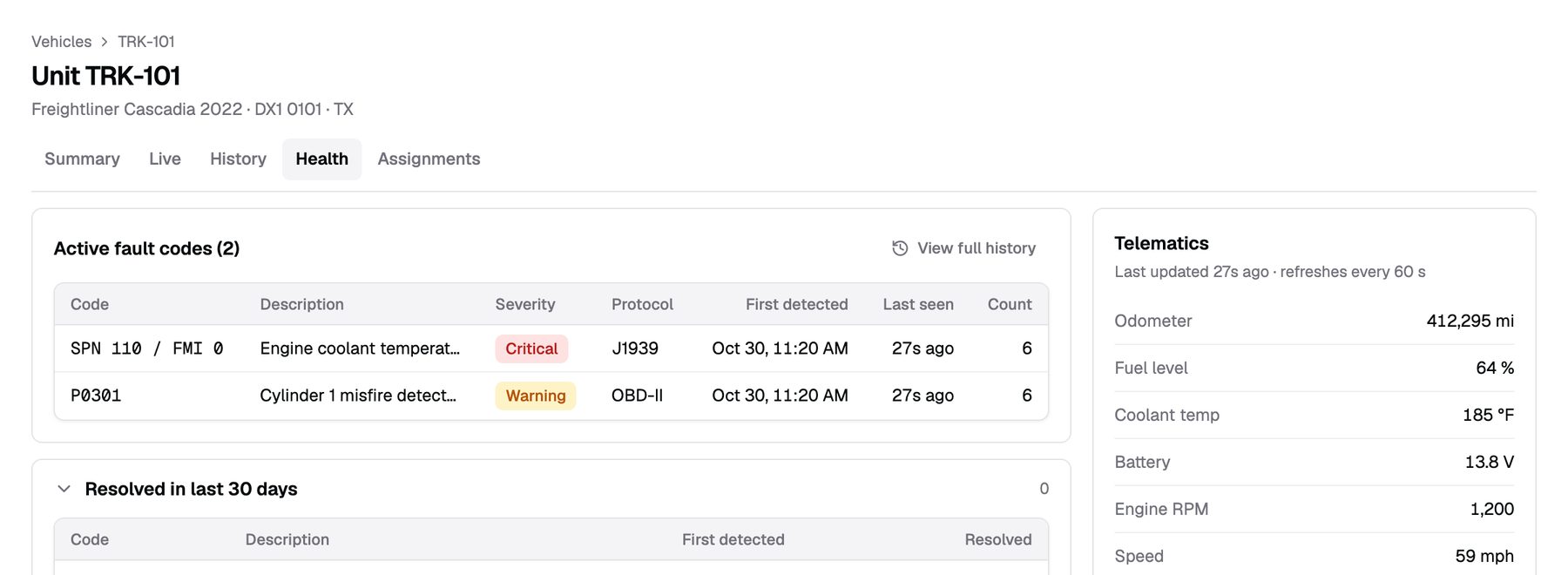
- Engine data. Whether the engine gateway is reading the truck.
Things you can do yourself
Each takes a minute in the dashboard. Your role decides which ones you see.
Request a clip
Open the truck, pick a camera and a time, and request the clip. It uploads from the SD card and lands in your dashboard.
Assign a driver
On the truck's Live tab, choose the driver. Trips and events from then on carry that driver's name.
Add a user
Invite them by email and pick a role and groups. They see only the trucks in their groups.
Move a kit
Unpair the kit from the old truck and pair it with the new one. Each truck keeps its own history. Call us before you move hardware.
See your fleet the day it's installed
Tell us about your trucks and we will put pricing in writing.
or call (855) 555-0142